Upload/select multiple images to show as demo screenshots below the page header. Drag to reorder. Each image can optionally link to a URL instead of opening the lightbox.

FAQ
Quick answers
It is a focused diagnostic showing where your business is losing time to repetitive admin, which workflow is most worth automating first, and what the first useful system should include.
You share a few details about the workflow causing the most friction. We review the admin path, tools, handoffs, and repeated steps, then recommend the first system that would create the most…
Common fits include lead routing, intake forms, estimates, invoice reminders, customer follow-up, reporting, task creation, data syncing, document handoffs, and repeated email responses.
Usually, yes. We design around your actual workflow and connect forms, spreadsheets, CRMs, calendars, email, Google Workspace, payment tools, project tools, and website systems where practical.
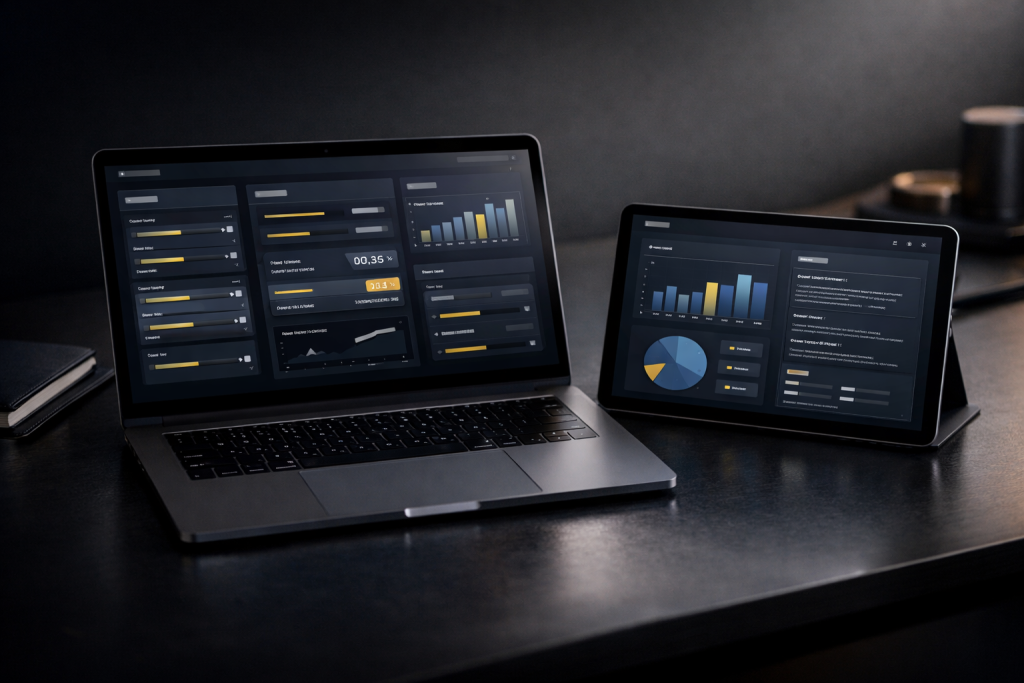
A dashboard can track leads, jobs, customers, invoices, tasks, follow-up status, team activity, revenue, reports, exports, or anything else your business needs to see without digging through scattered tools.
No. AI is only useful when it clearly saves time or improves consistency. Some businesses need simple automation first; others benefit from knowledge-base search, email drafting, or support helpers.